WebAssembly for Frontend Developers A Practical Guide
Learn how to use WebAssembly in frontend applications. A practical guide covering Rust-to-Wasm compilation, the Component Model, real-world use cases like image processing and cryptography, and when JavaScript is still the right choice.
Introduction#
For most of the web’s history, JavaScript was the only language browsers could run natively. If you needed performance-critical logic in the browser, you optimized your JavaScript, reached for a faster library, or accepted the ceiling JavaScript imposed.
WebAssembly (Wasm) changes that premise fundamentally. By 2026, Wasm has matured from a niche tool used by a handful of specialized applications into a mainstream part of the frontend developer’s toolkit. According to the 2026 State of WebAssembly survey, 67% of respondents now run Wasm in production environments. The browser is no longer a JavaScript-only runtime. It is a high-performance, sandboxed environment capable of executing code written in Rust, C++, Go, Python, and dozens of other languages at near-native speed.
This guide is a practical introduction to WebAssembly for frontend developers. It covers what Wasm actually is, how to compile Rust code for the browser, real-world use cases where it delivers meaningful value, and the honest constraints that determine when it is worth the overhead.
What Is WebAssembly#
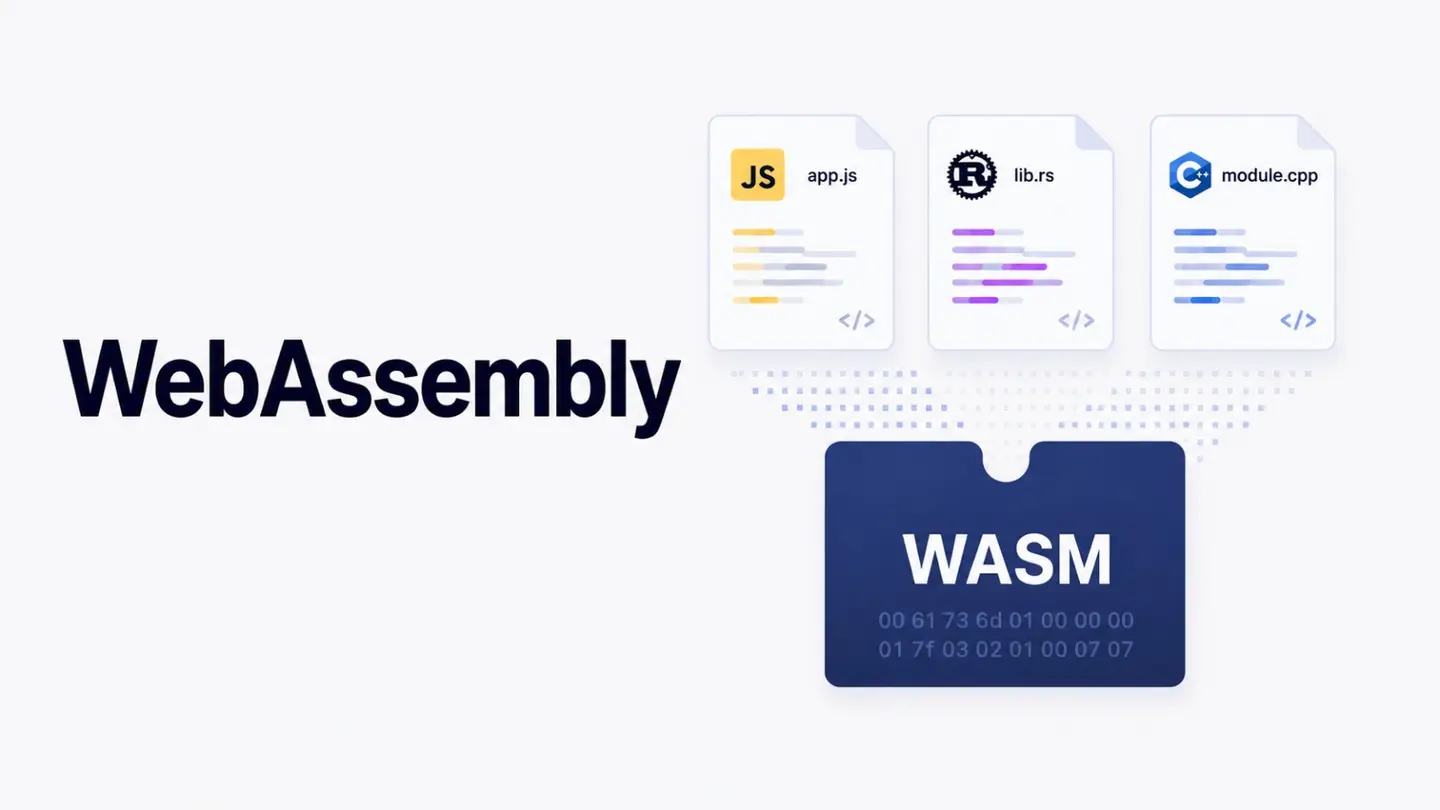
WebAssembly is a binary instruction format that browsers can execute directly. Unlike JavaScript, which is a text-based scripting language interpreted and JIT-compiled at runtime, Wasm is a compact binary that is already compiled and optimized before it ever reaches the browser. This gives it a significant performance advantage for compute-intensive tasks.
Key characteristics of WebAssembly:
Near-native speed benchmarks in 2026 show Wasm performing at roughly 95% of equivalent native code in modern runtimes
Language agnostic over 30 programming languages can compile to Wasm, including Rust, C++, Go, and even Python
Sandboxed and secure Wasm runs in the same sandbox as JavaScript, with no direct access to the operating system
Portable the same Wasm binary runs in Chrome, Firefox, Safari, Edge, Node.js, and edge runtimes like Cloudflare Workers
Interoperable with JavaScript Wasm modules export functions that JavaScript can call and vice versa
WebAssembly is not a replacement for JavaScript. It is a complement. JavaScript excels at orchestrating the UI, handling events, and managing application state. Wasm excels at the compute-heavy work that JavaScript struggles to do performantly.
WebAssembly 3.0 and the Component Model#
The release of WebAssembly 3.0 introduced several capabilities that have accelerated mainstream adoption.
The most significant is the Component Model, which allows Wasm modules to be composed together like software libraries using a typed interface definition language called WIT (WebAssembly Interface Types). Before the Component Model, sharing code between Wasm modules required passing raw memory pointers a fragile and error-prone process that required deep systems programming knowledge. With the Component Model, a Rust-compiled Wasm module exposes typed functions and data structures that JavaScript, other Wasm modules, or edge runtimes can consume cleanly.
Other notable additions in the 3.0 era include:
WasmGC native garbage collection support, which enables languages like Python and Kotlin to compile to Wasm without bundling their own runtime
SIMD instructions vectorized operations for dramatically faster image processing, audio processing, and numerical computation
Threading parallel execution within Wasm modules using shared memory and atomic operations
Cold start times under 5ms making Wasm viable for edge functions that need to spin up instantly
Setting Up a Rust-to-Wasm Workflow#
Rust is the dominant language for frontend Wasm work due to its zero-cost abstractions, excellent memory safety guarantees, and mature Wasm toolchain. Here is how to set up a basic Rust-to-Wasm pipeline.
Prerequisites#
# Install Rust
curl --proto '=https' --tlsv1.2 -sSf https://sh.rustup.rs | sh

# Add the Wasm target
rustup target add wasm32-unknown-unknown

# Install wasm-pack (handles compilation and JS bindings)
cargo install wasm-pack
Create a Rust Library#
# Create a new library crate
cargo new --lib image-processor
cd image-processor
In Cargo.toml, add the wasm-bindgen dependency and specify the crate type:
[lib]
crate-type = ["cdylib"]

[dependencies]
wasm-bindgen = "0.2"
In src/lib.rs, write a function you want to expose to JavaScript:
use wasm_bindgen::prelude::*;

#[wasm_bindgen]
pub fn apply_grayscale(pixels: &mut [u8]) {
    for chunk in pixels.chunks_mut(4) {
        let r = chunk[0] as f32;
        let g = chunk[1] as f32;
        let b = chunk[2] as f32;
        let gray = (0.299 * r + 0.587 * g + 0.114 * b) as u8;
        chunk[0] = gray;
        chunk[1] = gray;
        chunk[2] = gray;
        // chunk[3] is alpha leave it unchanged
    }
}
Compile and Use in a Web Project#
# Compile to Wasm and generate JS bindings
wasm-pack build --target web
This produces a pkg/ directory containing the compiled .wasm binary and auto-generated JavaScript bindings. In your frontend code:
import init, { apply_grayscale } from "./pkg/image_processor.js";

async function processImage(imageData) {
  await init(); // load the Wasm binary
  apply_grayscale(imageData.data);
  return imageData;
}
The grayscale function now runs at near-native speed. For large images, this is typically 3 to 5 times faster than an equivalent JavaScript implementation.
Real-World Use Cases#
WebAssembly delivers the most value when the workload is compute-intensive and the bottleneck is CPU throughput rather than I/O or network latency. The use cases where teams are seeing the most meaningful gains in production environments include the following.
Image and Video Processing#
Resizing, filtering, encoding, and decoding images or video frames are computationally expensive operations. JavaScript struggles with large images or high frame rates because the main thread blocks during processing. Wasm modules can handle these operations significantly faster and, when combined with Web Workers, can do so off the main thread without affecting UI responsiveness.
Cryptography#
Hashing, encryption, and signature verification benefit enormously from Wasm. Libraries like Argon2 for password hashing or AES for symmetric encryption run 3 to 5 times faster as Wasm compared to pure JavaScript implementations. For applications that need client-side cryptography end-to-end encrypted messaging, local data protection this performance difference is practically significant.
Data Processing and Parsing#
Parsing large CSV files, processing complex JSON structures, running statistical computations on datasets, or applying data transformations are tasks that can block the browser’s main thread when done in JavaScript. Moving these operations to a Wasm module and executing them in a Web Worker produces a dramatically more responsive user experience.
Physics Simulations and Game Engines#
Real-time physics calculations, collision detection, and pathfinding algorithms require the kind of tight numerical loops that Wasm handles exceptionally well. Game engines and interactive simulations that previously required native apps can now run in the browser at acceptable frame rates.
AI Inference at the Edge#
Running machine learning model inference directly in the browser without a server round trip is an emerging use case where Wasm plays an important role. Lightweight models for image classification, text analysis, or speech recognition can be compiled to Wasm and executed client-side, reducing latency and eliminating server costs for inference-heavy features.
When Not to Use WebAssembly#
WebAssembly is not appropriate for every frontend task. The overhead of loading a Wasm binary, initializing the runtime, and bridging data across the JavaScript-Wasm boundary means that for lightweight operations, plain JavaScript will actually be faster and simpler.
Do not reach for Wasm when:
The operation completes in under 5 to 10ms in JavaScript the setup cost is not worth it
The bottleneck is network or I/O rather than CPU computation
The logic involves extensive DOM manipulation or browser API access Wasm cannot touch the DOM directly
Your team lacks systems programming experience and the timeline does not allow for the learning curve
The practical approach is to profile your application first, identify the specific hot paths where JavaScript is too slow, and selectively port those components to Wasm. Rewriting an entire application in Wasm is almost never the right answer.
Performance Considerations and Debugging#
Working with Wasm in production introduces some nuances that pure JavaScript development does not.
Memory management requires attention when passing data between JavaScript and Wasm. The boundary crossing involves copying data into Wasm’s linear memory or working with shared memory buffers. For large datasets like image pixel arrays, using shared memory avoids the cost of copying.
Browser DevTools now include Wasm debugging support in all major browsers. You can step through Wasm code in source-mapped Rust, set breakpoints, and inspect memory. The tooling has matured considerably compared to even two years ago.
Bundle size is worth monitoring. A Rust-compiled Wasm binary can be surprisingly compact a grayscale filter might compile to 15KB of Wasm but more complex modules can grow substantially. Using wasm-opt from the Binaryen toolkit as a post-compilation step can reduce Wasm binary sizes by 20 to 40%.
The Broader Ecosystem#
Beyond browser applications, the same Wasm modules you write for frontend use can run on edge runtimes like Cloudflare Workers, server environments via Wasmtime, and increasingly in AI agent toolchains as portable, sandboxed capability modules. This portability is one of Wasm’s most compelling long-term properties: a module compiled once runs anywhere a Wasm runtime exists.
For frontend teams, the immediate opportunity is narrow but high value: profile your application, identify compute bottlenecks, and apply Wasm precisely where it makes a measurable difference. That disciplined approach will consistently produce better outcomes than adopting Wasm speculatively.
References#
WebAssembly for Web Developers: Getting Started with Wasm
WebAssembly: The High-Performance Web
Rust and Wasm: A Deep Dive into High-Performance Web Apps
WebAssembly Beyond the Browser and Into the Cloud
Last updated