Frontend Monorepo Architecture Turborepo vs Nx and Best Practices
Learn how to build and manage a scalable frontend monorepo using Turborepo or Nx. This guide covers repository structure, shared configuration, CI optimization, remote caching, and how to choose the right tool for your team size.
Introduction#
As frontend teams grow and product surfaces multiply, the question of how to structure a codebase becomes a genuine architectural decision with long-term consequences. The traditional answer was a polyrepo approach: one repository per application or package, each with its own dependencies, CI pipeline, and release process. For small teams with a single product, this works fine. For teams managing multiple applications that share components, utilities, or a design system, it creates real friction.
A monorepo a single repository that contains multiple projects and packages solves many of these coordination problems. By 2026, monorepos are mainstream. According to recent adoption data, 63% of companies with 50 or more developers now use a monorepo structure. The technology giants adopted this approach long ago: Google, Meta, Microsoft, and Uber all run monorepos at massive scale. Today, the tooling has matured enough that even startups adopt the pattern from the start.
This guide explains what problems a frontend monorepo solves, how the leading tools compare, and what practices separate well-run monorepos from chaotic ones.
Why Teams Move to Monorepos#
The move toward a monorepo is almost always driven by one of the following pain points.
Shared Code That Lives Nowhere#
When you have multiple frontend applications and a shared component library, the library needs to live somewhere. In a polyrepo setup, it typically becomes its own repository, published as an npm package. Every update to the design system requires publishing a new version, bumping the version in each consuming application, and coordinating the release across teams. A monorepo eliminates this overhead. The shared package lives alongside the applications that consume it, changes are reflected immediately, and there is no version coordination ceremony.
Inconsistent Standards Across Repositories#
Maintaining consistent TypeScript configurations, ESLint rules, testing setups, and build pipelines across dozens of separate repositories is genuinely difficult. Configuration drift is inevitable. A monorepo allows you to define shared configurations once and enforce them everywhere from a single place.
Slow Cross-Project Changes#
When a change to a shared utility or API type requires updates across multiple repositories, the developer must clone multiple repos, make parallel changes, open multiple pull requests, and coordinate reviews and merges. In a monorepo, an atomic change spans all affected packages in a single pull request.
Fragmented Visibility#
Understanding how the pieces of a product fit together is harder when they are spread across many repositories. A monorepo gives the entire team a single place to understand dependencies, trace code paths, and see the overall architecture.
The Core Tools: Turborepo, Nx, and PNPM Workspaces#
Three tools dominate the JavaScript monorepo landscape in 2026. They are not mutually exclusive, but each has a distinct design philosophy and ideal use case.
Turborepo#
Turborepo, developed and maintained by Vercel, is a build system optimized for speed with minimal configuration. Its core value proposition is intelligent caching: tasks like building, testing, and linting are cached by their inputs, so unchanged packages are never rebuilt. When a developer runs turbo build, Turborepo computes a task graph based on package dependencies and only executes tasks where inputs have changed.
Turborepo is the right default for most frontend teams. It handles JavaScript and TypeScript projects exceptionally well, integrates seamlessly with Next.js and Vite, and takes an afternoon to set up rather than a week. For teams deploying through Vercel, remote caching integrates automatically.
Its limitations become apparent at scale: it does not support code generation, does not enforce architectural constraints, and has limited support for languages beyond JavaScript and TypeScript.
Nx#
Nx is a full-featured monorepo platform built by the Nrwl team. Where Turborepo focuses on fast task execution, Nx provides a richer set of capabilities including project graph analysis, code generation, architectural lint rules, and extensible plugins for frameworks like React, Angular, NestJS, and React Native.
Nx’s project graph is one of its most useful features. It builds a precise dependency map of your entire repository and uses it to determine exactly which projects are affected by any given change. In a large monorepo, this means CI pipelines only run tests and builds for packages that are actually impacted.
Nx is the better choice for enterprise teams managing large repositories with complex dependencies, multiple frameworks, or a dedicated platform engineering team. In a 2026 benchmark, Nx completed a CI build cycle approximately 16% faster than Turborepo in multi-machine distributed execution scenarios.
PNPM Workspaces#
PNPM Workspaces is not a build orchestration tool but a package manager with native monorepo support. It handles dependency installation, workspace linking, and dependency isolation through a content-addressable store that avoids duplicate packages across the repository. Most monorepo setups in 2026 use PNPM Workspaces as the foundation alongside either Turborepo or Nx for task orchestration.
Repository Structure That Scales#
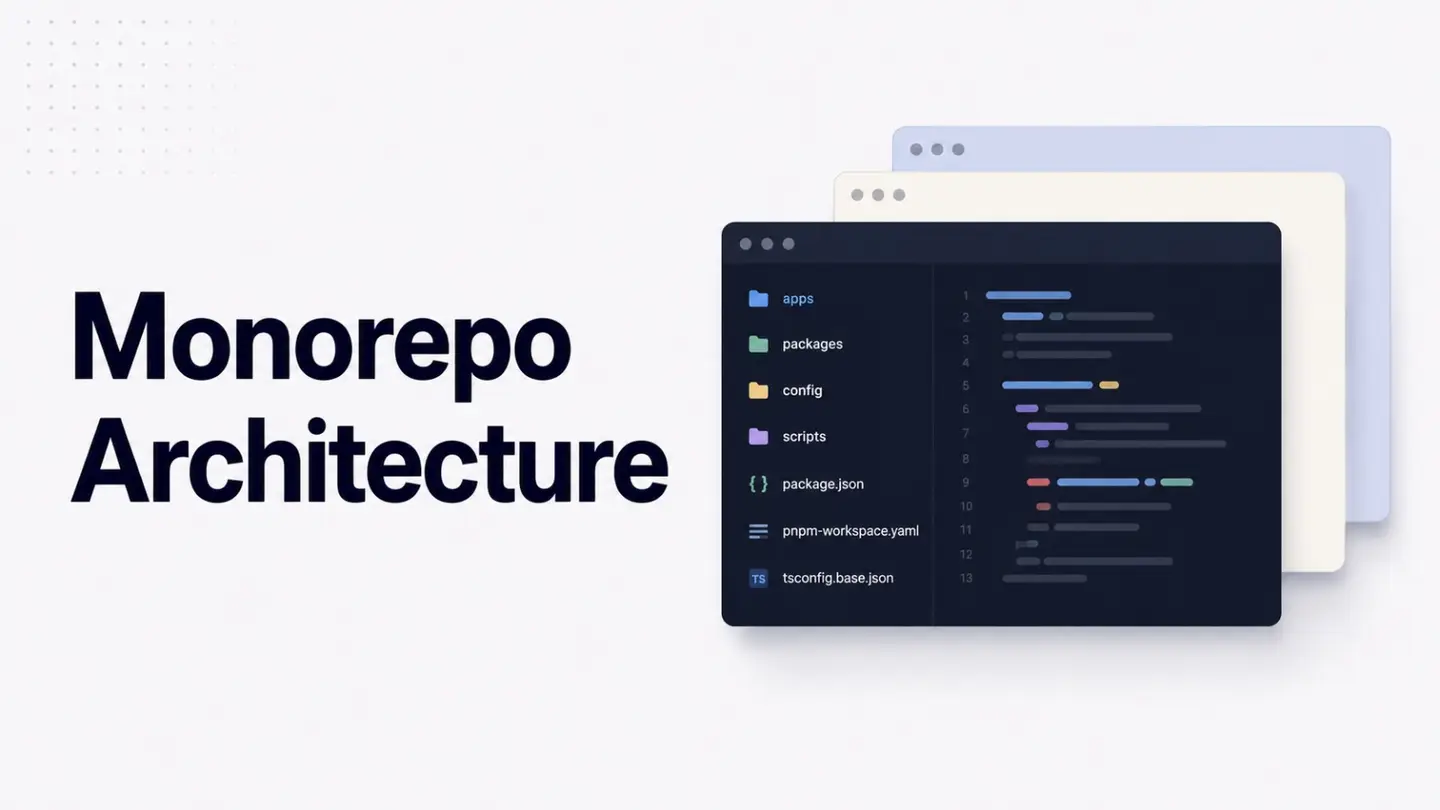
The structure of a monorepo has a significant impact on how well it scales. A common and well-proven structure organizes content into two top-level areas:
my-monorepo/
├── apps/
│   ├── web/              # Main web application (Next.js)
│   ├── admin/            # Internal admin panel (Vite + React)
│   └── mobile/           # Mobile application (React Native)
├── packages/
│   ├── ui/               # Shared component library
│   ├── config/           # Shared TypeScript, ESLint, Tailwind configs
│   ├── utils/            # Shared utility functions
│   └── types/            # Shared TypeScript types and interfaces
├── turbo.json            # (or nx.json) build pipeline configuration
├── pnpm-workspace.yaml   # Workspace package discovery
└── package.json          # Root package
The apps/ directory contains deployable applications things that have their own build output and deployment target. The packages/ directory contains shared libraries that are consumed by applications but never deployed independently.
The key discipline is to keep packages focused. A ui package should contain UI components and nothing else. A utils package should contain pure utility functions. Mixing concerns into large packages creates implicit coupling that negates the architectural benefits of the monorepo structure.
Shared Configuration Management#
One of the most immediate productivity gains from a well-structured monorepo is centralized configuration. TypeScript compiler options, ESLint rule sets, and Tailwind configurations can be defined once and extended by each package or application.
A shared TypeScript base config in packages/config/tsconfig.base.json:
{
  "compilerOptions": {
    "strict": true,
    "noUncheckedIndexedAccess": true,
    "exactOptionalPropertyTypes": true,
    "target": "ES2022",
    "moduleResolution": "Bundler",
    "jsx": "react-jsx",
    "baseUrl": ".",
    "paths": {}
  }
}
Each application extends this base and adds only what it needs:
// apps/web/tsconfig.json
{
  "extends": "@repo/config/tsconfig.base.json",
  "compilerOptions": {
    "plugins": [{ "name": "next" }]
  },
  "include": ["src", "next-env.d.ts"]
}
This pattern ensures every application in the repository shares the same TypeScript strictness settings. A change to the base config propagates everywhere immediately without any version bumping.
CI Pipeline Optimization#
The most common performance complaint about monorepos is CI speed. When every change rebuilds and retests everything, CI times grow linearly with repository size. The tools and practices that prevent this are what make large monorepos sustainable.
The essential strategies are:
Affected-only execution only run tasks for packages that have changed or depend on something that changed. Both Turborepo and Nx compute this automatically from the dependency graph.
Remote caching cache build and test outputs on a remote server so that identical work done on a developer’s machine is not repeated in CI. Turborepo provides this through Vercel; Nx provides it through Nx Cloud.
Distributed task execution split tasks across multiple CI agents in parallel. Nx Cloud supports dynamic agent distribution natively; Turborepo requires more manual configuration for this.
Pipeline dependency declarations declare that test depends on build so tasks execute in the correct order with maximum parallelism
A well-configured monorepo CI pipeline for a repository with 20 packages should complete in a similar time to a single-package repository. The overhead of the monorepo structure should be invisible to developers day-to-day.
Common Pitfalls#
Teams moving to monorepos consistently encounter the same set of problems. Knowing them in advance avoids the most costly mistakes.
The first is treating the monorepo as a dumping ground. Without clear ownership guidelines, packages accumulate dependencies indiscriminately and the dependency graph becomes tangled. Establish a policy for what belongs in each package and enforce it through Nx’s architectural lint rules or simple documentation and code review discipline.
The second is neglecting the developer experience of the workspace setup. Developers should be able to clone the repository and run a single command to get everything working. A multi-step manual setup is a sign that the tooling needs more investment.
The third is conflating the monorepo with a monolith. The goal of a monorepo is to improve how independent pieces of a system are coordinated, not to merge them into a single undifferentiated codebase. Keep packages focused, maintain clear boundaries, and resist the temptation to import directly across application boundaries rather than through shared packages.
Choosing the Right Tool#
For most frontend teams starting a monorepo or migrating an existing codebase, Turborepo is the right starting point. It provides the core benefits shared packages, incremental builds, and remote caching with the lowest configuration overhead. If your team grows, your dependency graph becomes complex, or you need code generation and architectural enforcement, Nx is worth the additional investment.
The decision is less about which tool is objectively better and more about matching tool complexity to team complexity. A five-person startup does not need Nx’s full feature set. A 100-person engineering organization managing five frontend applications, a design system, and a shared API layer will find Nx’s capabilities genuinely valuable.
References#
JavaScript Monorepos for Frontend Teams: Nx, Turborepo and Scaling Best Practices
Monorepo Tools Comparison: Turborepo vs Nx vs Bazel
Turborepo vs Nx: Benchmark Data and Decision Framework
Best Monorepo Tools: Turborepo vs Nx vs Lerna
Last updated