Tailwind CSS v4 in 2026: Why It Dominates Modern Frontend Styling
Explore why Tailwind CSS v4 is the hottest frontend styling tool in 2026. Learn about its new Oxide engine, CSS-first configuration, performance gains, and how to use it effectively in production projects.
Introduction#
If you have been following the frontend ecosystem in 2026, one thing is clear: Tailwind CSS v4 is not just popular, it is the new standard. With a completely rewritten engine, a CSS-first configuration model, and near-instant build times, Tailwind v4 has addressed nearly every criticism the utility-first framework ever received.
In this article, we explore what makes Tailwind CSS v4 the hottest frontend styling tool of 2026, how it differs from its predecessors, and how to adopt it effectively in a production codebase.
1. What Changed in Tailwind CSS v4#
Tailwind v4 is not an incremental update. It is a ground-up rewrite focused on three core goals: speed, simplicity, and CSS-native behavior.
The Oxide Engine#
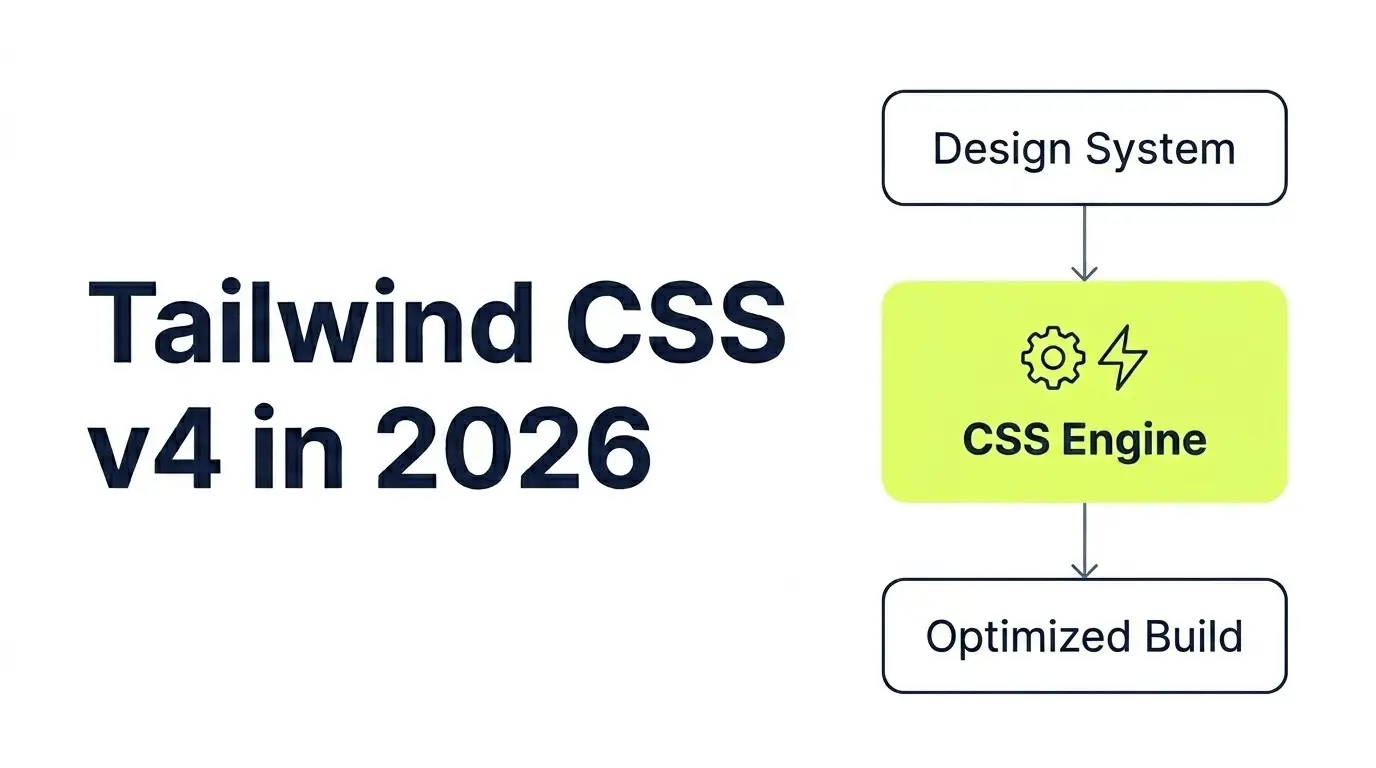
The most significant internal change is the replacement of the PostCSS-based pipeline with the new Oxide engine, written in Rust. The result is build times that are up to 10 times faster than v3, even on large projects with thousands of utility classes.
For developers working in monorepos or large design systems, this is a game-changer. Full rebuilds that previously took several seconds now complete in under 100 milliseconds.
CSS-First Configuration#
Gone is the tailwind.config.js file. In v4, all configuration happens directly inside your CSS file using standard CSS custom properties and the new @theme directive:
@import "tailwindcss";

@theme {
  --font-sans: "Inter", sans-serif;
  --color-brand: oklch(60% 0.2 250);
  --spacing-18: 4.5rem;
  --breakpoint-3xl: 1920px;
}
This approach makes your design tokens native CSS variables, which means they are accessible in any context, including JavaScript, without any additional tooling.
Automatic Content Detection#
In v3, you had to explicitly configure the content array to tell Tailwind where to scan for class names. In v4, content detection is automatic. Tailwind scans your project directory intelligently and removes unused classes without any manual configuration.
2. New Utility Classes Worth Knowing#
Beyond the engine rewrite, v4 ships with a set of new utility classes that address common pain points from v3.
Container Queries#
Container queries are now first-class citizens in Tailwind v4. You no longer need a plugin to use them:
<div class="@container">
  <div class="@sm:grid-cols-2 @lg:grid-cols-4 grid gap-4">
    <!-- Responds to parent container width, not viewport -->
  </div>
</div>
This is particularly useful for building reusable components that adapt to wherever they are placed, without relying on global breakpoints.
3D Transform Utilities#
Tailwind v4 adds full support for 3D CSS transforms, including rotate-x-*, rotate-y-*, perspective-*, and transform-style-3d. This enables rich interactive UI effects without writing a single line of custom CSS.
Logical Properties#
For internationalization and RTL layout support, v4 introduces logical property utilities such as ms-4 (margin-inline-start), pe-6 (padding-inline-end), and border-s. These replace directional utilities like ml-* and pr-* in layouts that need to support multiple writing directions.
3. Integrating Tailwind v4 with Modern Frameworks#
Next.js 15#
Tailwind v4 integrates seamlessly with Next.js 15. Since the Oxide engine is framework-agnostic, you simply install the package and import it in your root CSS file. No Webpack or PostCSS plugin configuration is required.
/* app/globals.css */
@import "tailwindcss";

@theme {
  --color-primary: oklch(55% 0.22 265);
  --radius-card: 1rem;
}
// app/layout.tsx
import "./globals.css";That is all the setup you need. Tailwind handles the rest automatically.
Vite and SvelteKit#
The official @tailwindcss/vite plugin delivers the fastest possible integration for Vite-based projects. It hooks directly into Vite’s transform pipeline, bypassing PostCSS entirely for maximum performance.
4. Design System Architecture with Tailwind v4#
One of the most compelling use cases for Tailwind v4 in 2026 is building scalable design systems. Because all tokens are standard CSS custom properties, they compose naturally with component libraries and can be consumed by any part of your stack.
Layered Theme Tokens#
A best practice is to define tokens in layers: primitive values, semantic aliases, and component-specific tokens.
@theme {
  /* Primitive */
  --color-slate-900: #0f172a;

  /* Semantic */
  --color-text-primary: var(--color-slate-900);

  /* Component */
  --color-button-bg: var(--color-text-primary);
}
This layering strategy makes it trivial to implement dark mode, white-label theming, or brand variations without touching component markup.
Dark Mode#
Dark mode support is now cleaner with v4. You can define a dark theme variant using a CSS media query or a data attribute:
@theme {
  --color-background: #ffffff;
  --color-foreground: #111827;
}

@media (prefers-color-scheme: dark) {
  @theme {
    --color-background: #111827;
    --color-foreground: #f9fafb;
  }
}
5. Performance Impact on Production Sites#
Switching to Tailwind v4 has measurable performance benefits beyond just developer experience.
Smaller CSS output: The Oxide engine’s dead code elimination is more aggressive, resulting in smaller final stylesheet sizes.
No runtime overhead: Unlike CSS-in-JS solutions, Tailwind produces static CSS. There is zero JavaScript runtime cost for styling.
Faster CI pipelines: Build time reductions directly translate to faster deployments and lower CI costs.
Better Core Web Vitals: Smaller stylesheets and no render-blocking JavaScript contribute to improved LCP and CLS scores.
6. Migrating from Tailwind v3 to v4#
Tailwind provides an official codemod to handle the majority of the migration automatically:
npx @tailwindcss/upgrade@latestThe codemod handles:
Converting tailwind.config.js to CSS-based @theme configuration
Updating renamed utility classes (e.g., shadow-sm adjustments)
Removing the PostCSS plugin setup
Updating import statements
For most projects, the migration takes under 30 minutes. Larger design systems with extensive custom plugins may require additional manual work to port plugin logic into native CSS or the new @utility API.
7. When Not to Use Tailwind#
Tailwind v4 is not the right choice for every project. Consider alternatives when:
Your team has strong opinions about semantic class naming and finds utility classes difficult to read in code reviews
You are working on a project where CSS encapsulation is critical, such as a microfrontend architecture where style leakage must be avoided
Your design system is heavily animation-driven with complex keyframe sequences that are difficult to express in utilities
For these cases, CSS Modules combined with a design token system, or a CSS-in-JS library like Panda CSS, may be a better fit.
Conclusion#
Tailwind CSS v4 represents a mature, production-hardened styling solution that has resolved the growing pains of earlier versions. The Oxide engine eliminates performance concerns, CSS-first configuration reduces tooling complexity, and first-class support for container queries and logical properties makes it suitable for modern, internationalized applications.
For frontend developers in 2026, Tailwind v4 is not just a trend. It is a pragmatic, well-engineered choice for building fast, maintainable, and scalable user interfaces.